DOOM
The deck boots into DOOM (1993). The jog turns, touching it fires, the tempo fader is the throttle, and ring A's seven pads are the seven weapons. The game is a stock chocolate-doom: the deck's controls reach it as a virtual keyboard and mouse.
Everything below is in release 1.0.2. Each feature says how far it has been taken: with real CDJs on the link, on the real decks, or so far only on emulated decks and emulated CDJs.
Everything on the deck is a physical control, wired the way a CDJ's are. The screen shows; the hands play.
PLAY and CUE, LOOP IN, LOOP OUT and RELOOP, four hot cues in colour, 8- and 4-beat loops, loop ×2 and ÷2, slip, and master tempo.
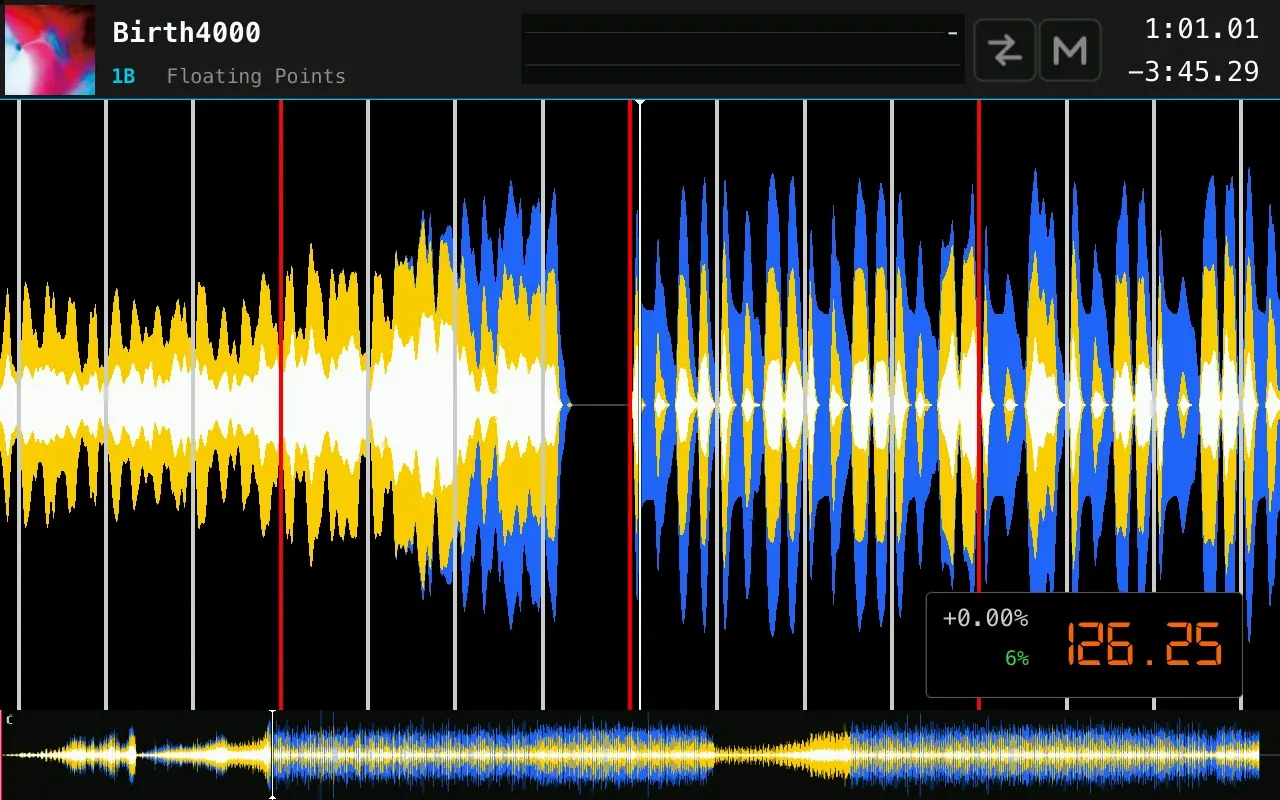
A CDJ-1000MK3 jog assembly: 12,960 counts a turn, read by the controller's hardware counter. Touch the platter to scratch; turn it untouched to bend.
Ranges of ±6, ±10 and ±16 % and WIDE. After SYNC, a range change or a load, the fader waits until it crosses the playing tempo before it takes over, and the screen shows where it would go.
Thirteen RGB pads on two rings, coloured by what they do: the tempo range, hot cue colours, slip flashing, KEY SYNC in purple. A rainbow runs round both rings at start-up, and every light goes out at shutdown.
Plug in a USB stick exported from rekordbox, or one with nothing but music files on it, or one of each. The deck reads them as they are, mounted read-only.
Playlists, beat grids, hot cues, loops, colour waveforms, cover art and Camelot keys, read straight off the stick. Nothing is analysed again.
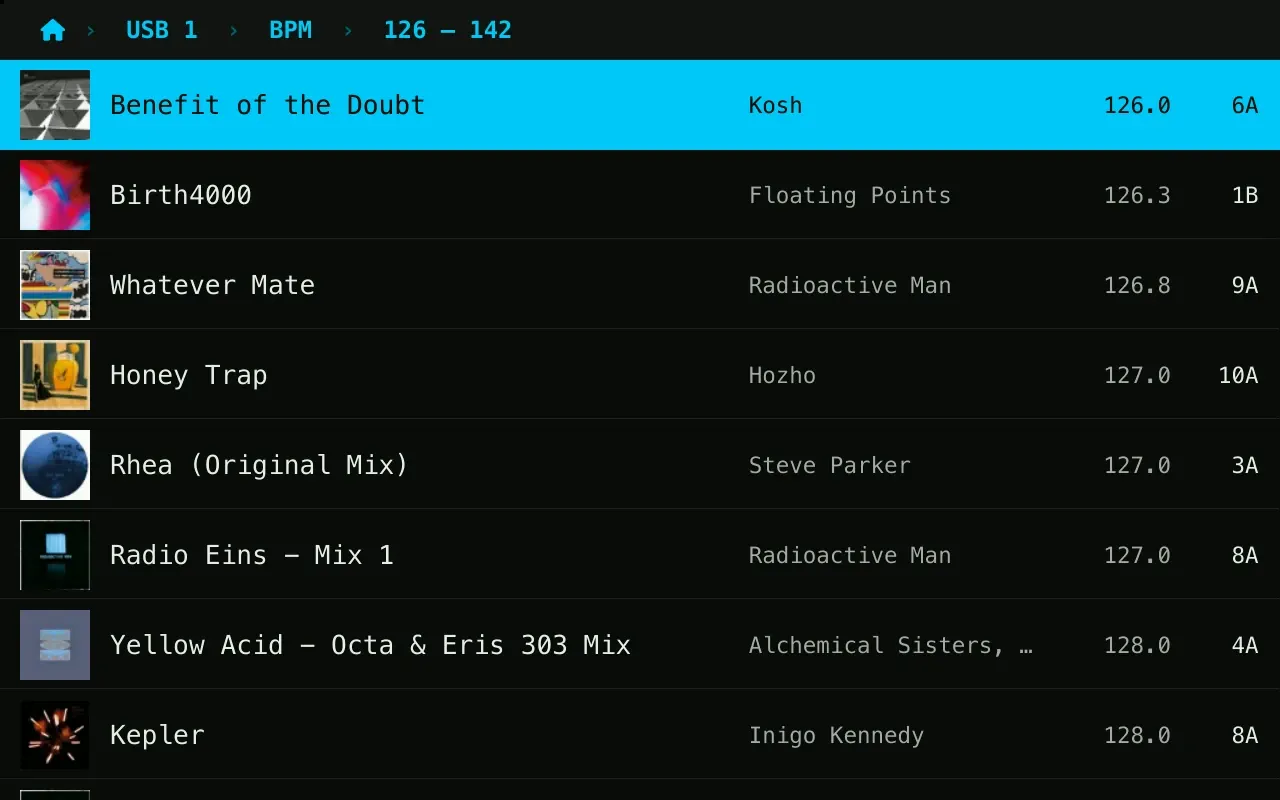
A full-screen menu the encoder drives: search with an on-screen keyboard, playlists, folders, genre, artist, album, label, key with compatible keys in green, BPM in buckets one fader range wide, last played and date added. SORT on twelve fields. A long press on BACK returns to the deck and keeps your place.
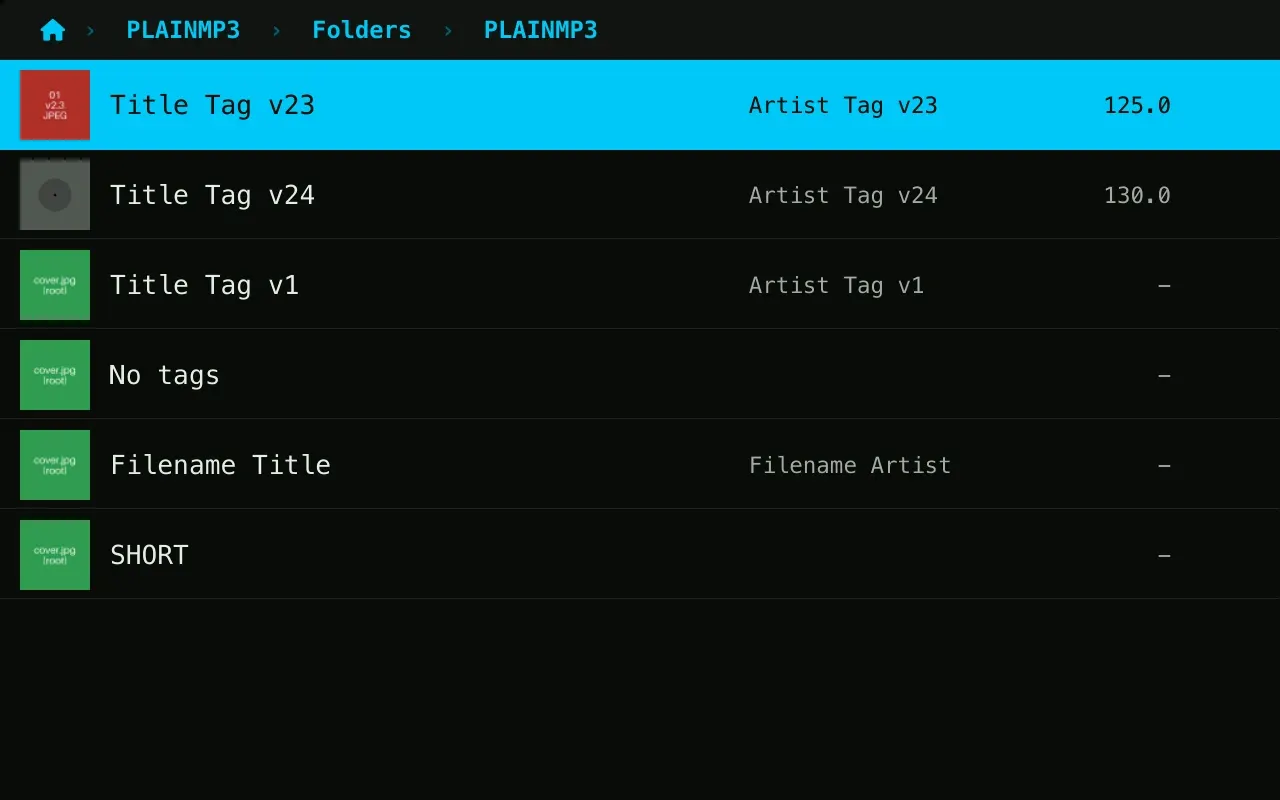
A stick of music files with no rekordbox library browses by folder, with tags and covers. Only the track you load is analysed.
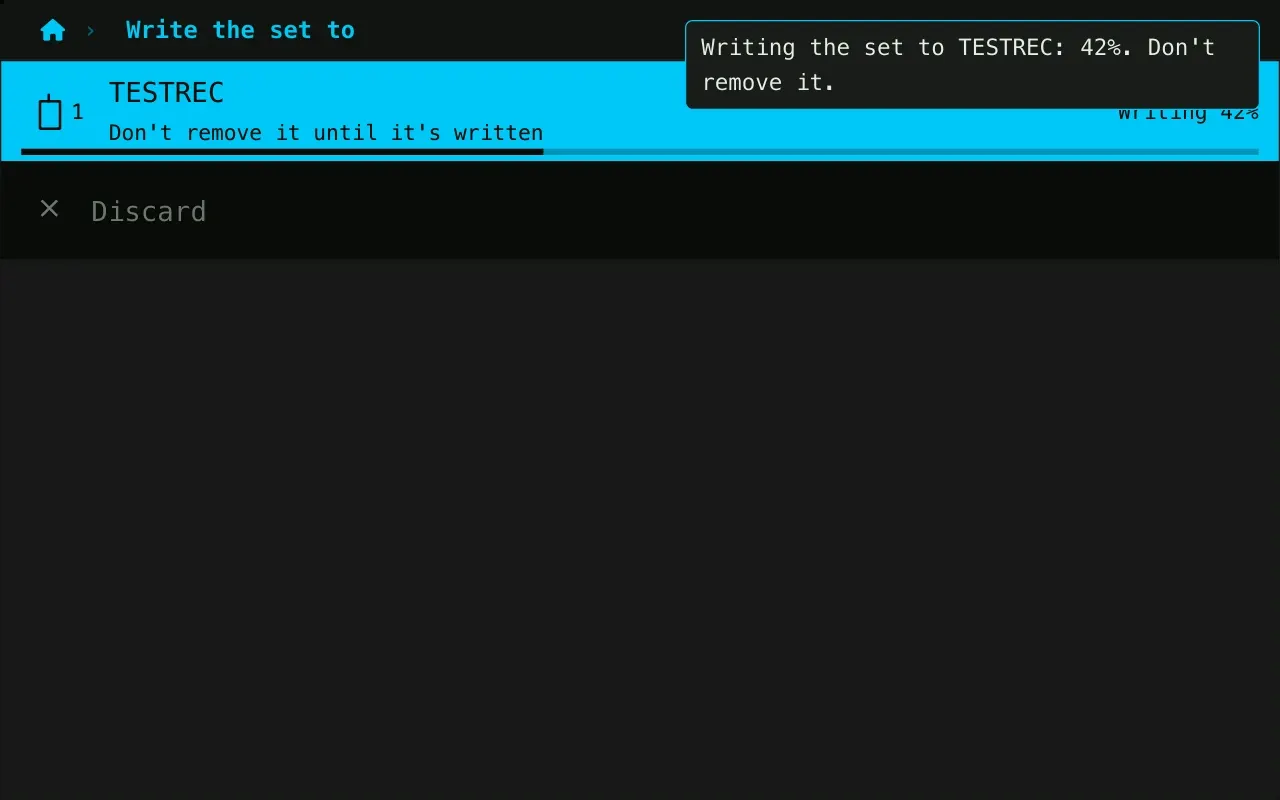
Sticks are mounted read-only, so yanking one mid-set can't corrupt it: no eject button, no damaged library. The deck plays its own copy of the track, so the music doesn't stop either. The one write is a recorded set you ask the deck to save, after which the stick is read-only again.
A track starts while it is still arriving: its start, then its end, then the rest following the playhead. From a CDJ, about 0.56 s from button to sound. Off a slow stick, a 52 MB AIFF now starts in 0.46 s instead of 18 (measured on an emulated stick).
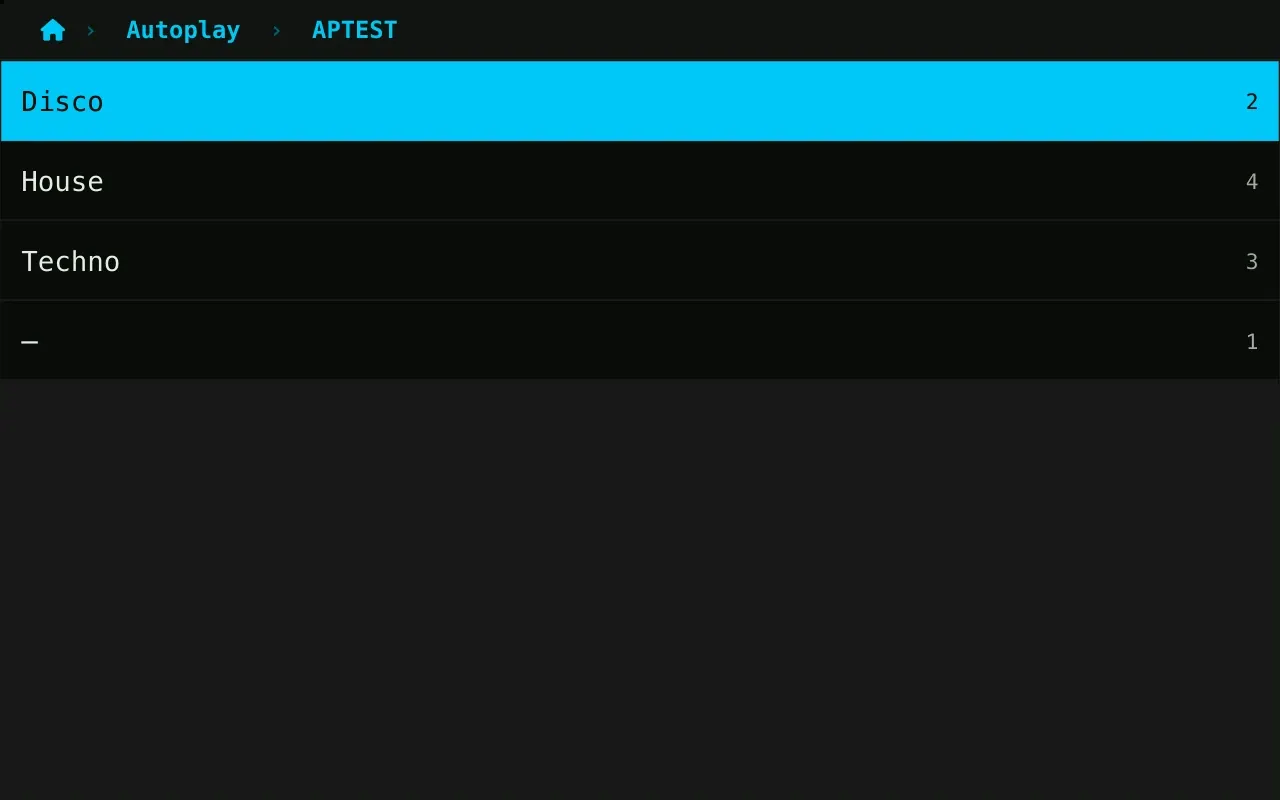
Pick a stick and a genre. The deck plays it, choosing the unplayed track nearest in BPM each time, round after round, until you take over.
Plug the deck's Ethernet into a booth's Pro DJ Link network and it becomes a player like the others, built from captures of real CDJ-2000NXS players.
The deck claims a player number, lists every CDJ's USB and SD, browses them like its own sticks, and loads and plays their tracks with their grids, cues and waveforms.
CDJs see the deck under LINK and play its sticks: all eleven browse categories, search, sorting, key matching, artwork, hot cues and both waveforms.
Plug in two sticks and CDJs see both: the first as the deck's USB, the second as its SD card, the two slots a CDJ offers itself. An NXS browsed, loaded and played a rekordbox stick from the SD slot; a plain stick there is yet to be tried.
The deck follows a CDJ's tempo and phase, and a CDJ follows the deck's. With the deck as master at −3.05 %, a CDJ followed it to 116.34 BPM, to the hundredth.
The first deck to play takes master, a stopped master hands it on, and a hand-over takes 67 to 133 ms, as between two CDJs. SYNC lands with one exact beat-jump, then holds phase with a trim of at most 1 % that never shows on the BPM.
Two rows in the header: the deck you are mixing against, and your own.
A press shifts the track onto the master's Camelot number, between −5 and +6 semitones, in the track's own mode. A hold opens the twelve keys to pick from. The pad stays purple while the track is out of its own key.
A CDJ browses the deck's plain stick by folder and plays from it; a CDJ's plain stick shows up on the deck as a folder source.
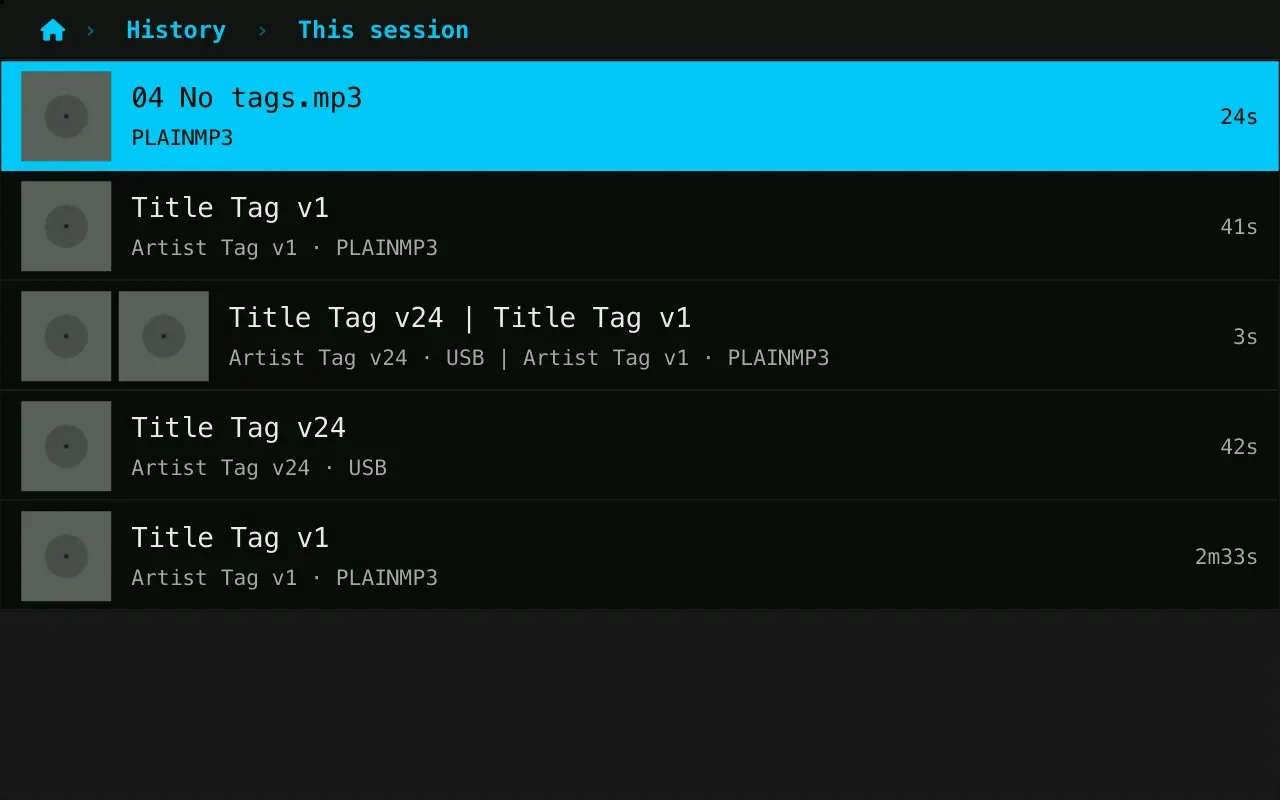
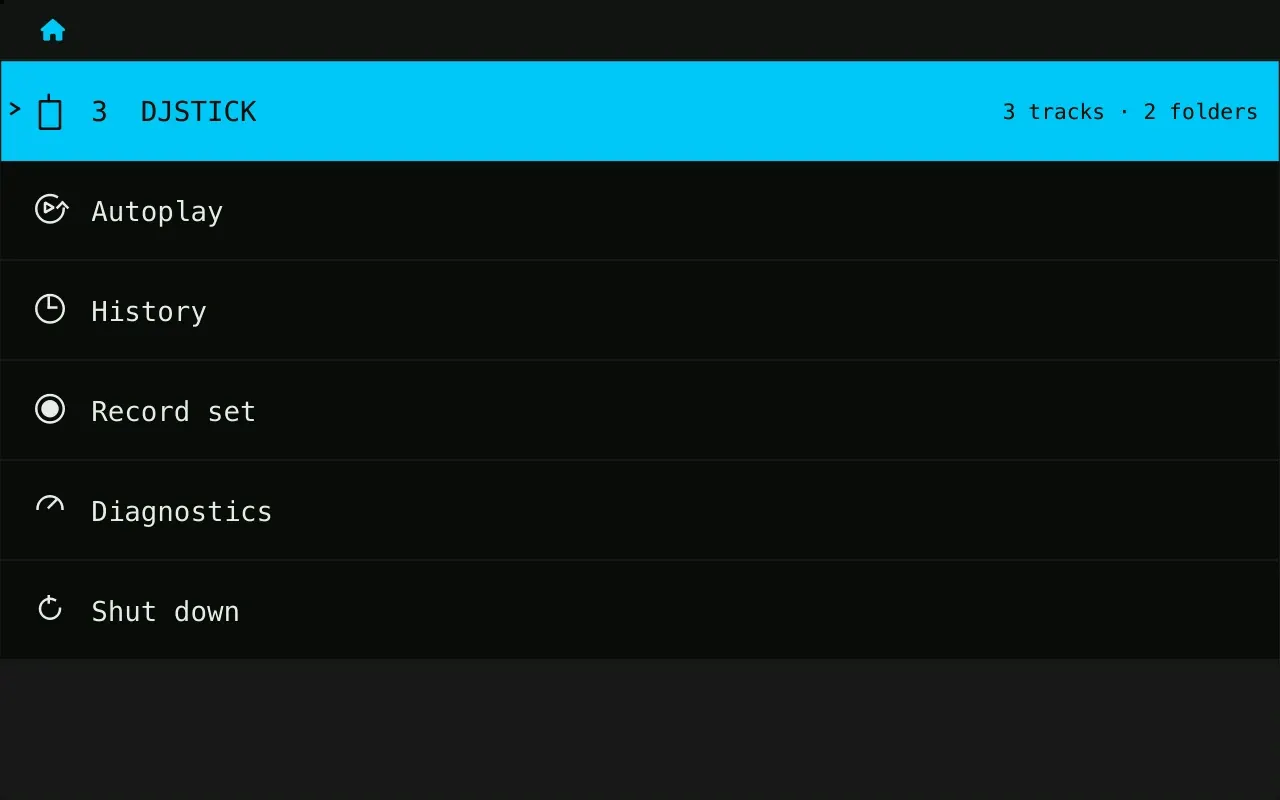
What played on the link during this power-up and the two before, whoever played it: this deck, another TriMixxx or a CDJ. A timeline of what overlapped and for how long, with covers.
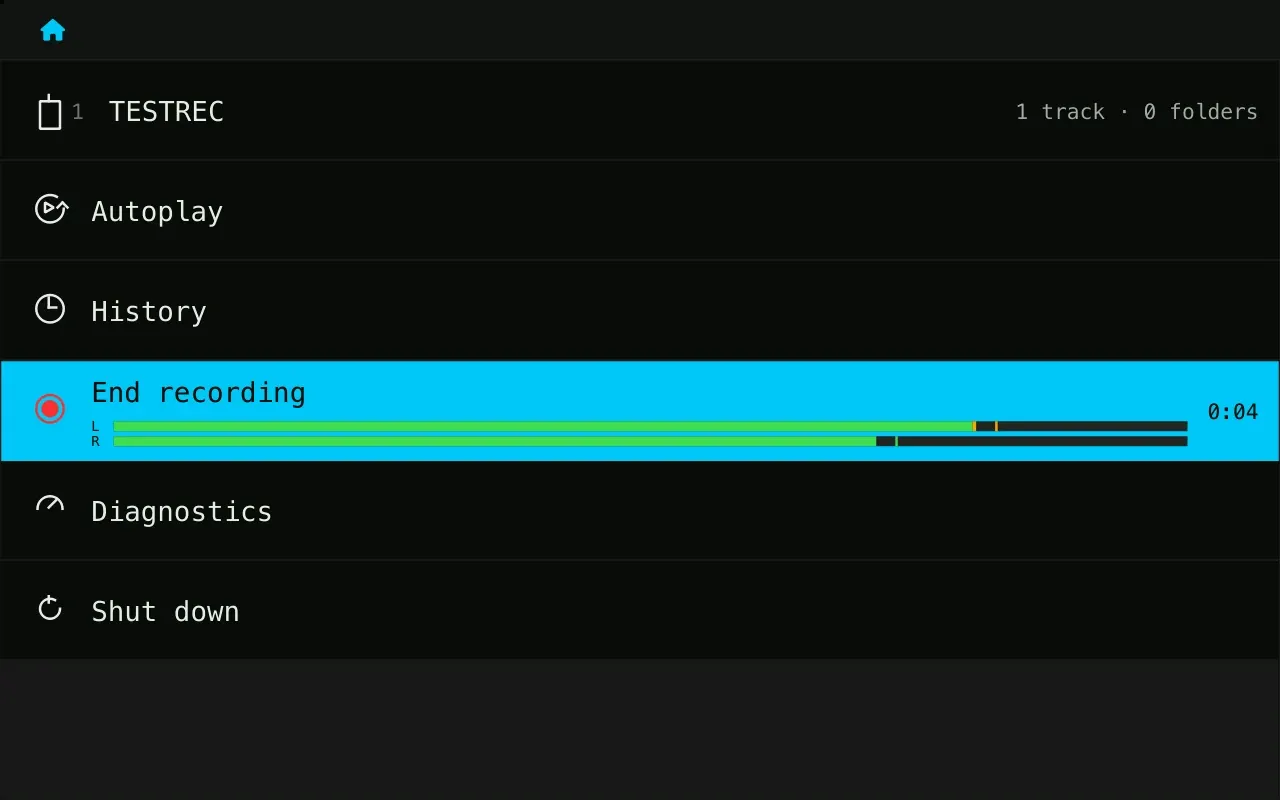
The deck's sound card has an input. Plug the mixer's record out into it, and the deck records the set.
A 320 kbit/s MP3 is written to the deck's card as you play, never held in RAM. At the end it goes onto one of your sticks, with the History's track list beside it.
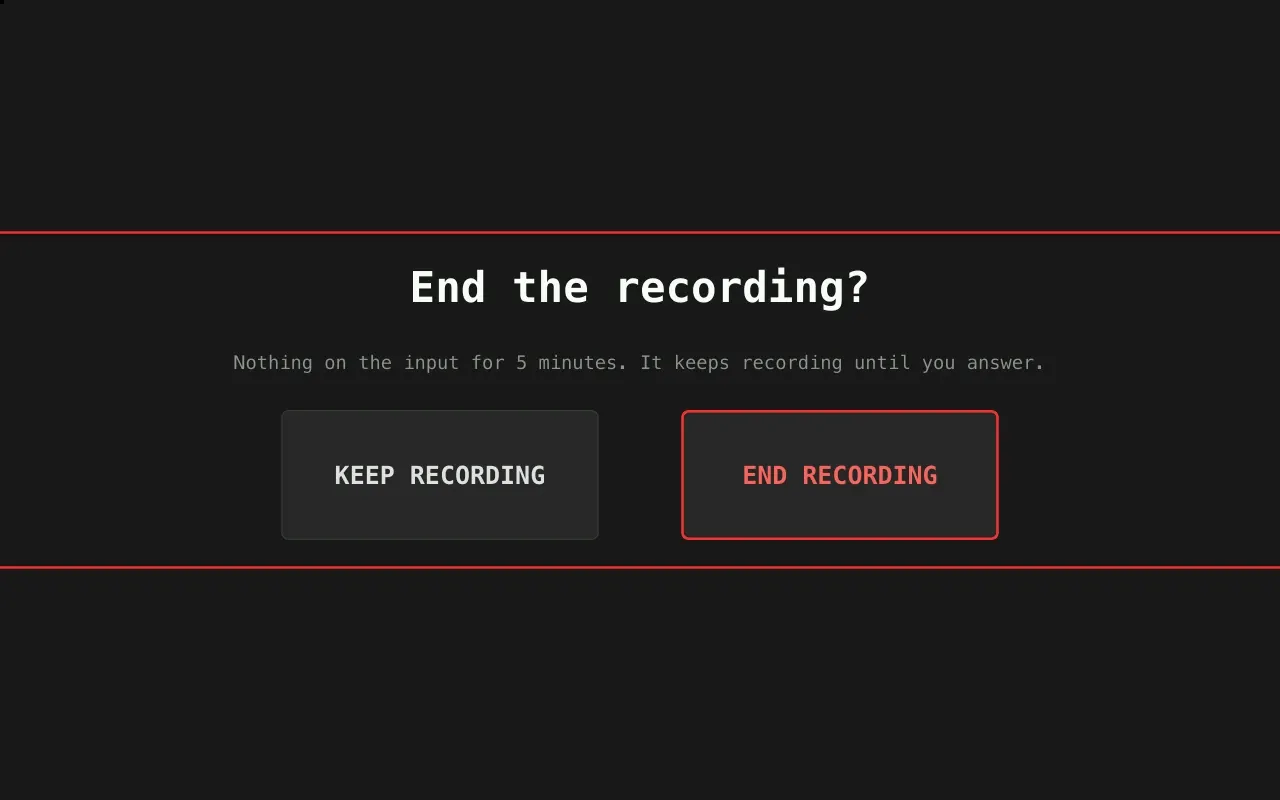
Up to three hours. After five minutes of silence, the deck asks whether the set is over.
Power gets pulled, cables get yanked, Wi-Fi isn't there. The deck is designed to shrug all of it off.
A new release goes into the deck's idle slot and starts as a trial. If the network and ssh don't come up within 150 s, the deck goes back to the release it ran before. Diagnostics can restart into the other slot.
The system is read-only under a layer in RAM, the logs live in RAM, and the settings are never written back, so pulling the power can't corrupt the system.
Whatever fails at start-up, the deck falls back to Mixxx, and Mixxx restarts two seconds after any exit.
The logo is on screen about 8 s after power-on, the whole boot takes about 15 s, and the boot log keeps printing behind the splash.
CPU, temperature, throttling, underruns, the network and the release, an output trim of ±6 dB and the panel's brightness, on one page.
With no network to join 45 s into a boot, the deck becomes a hotspot named after itself, so a phone can always reach it.
The deck reads its own buttons while it boots, and becomes something else when one is held.
The deck boots into DOOM (1993). The jog turns, touching it fires, the tempo fader is the throttle, and ring A's seven pads are the seven weapons. The game is a stock chocolate-doom: the deck's controls reach it as a virtual keyboard and mouse.
A logged-in terminal on the left of the touchscreen and an on-screen keyboard on the right, for when something needs fixing and there's no keyboard in the booth. The pads type the arrow keys.
From DOOM or the console, the one chord nobody holds by accident brings the deck back to Mixxx. A power cycle always does too.